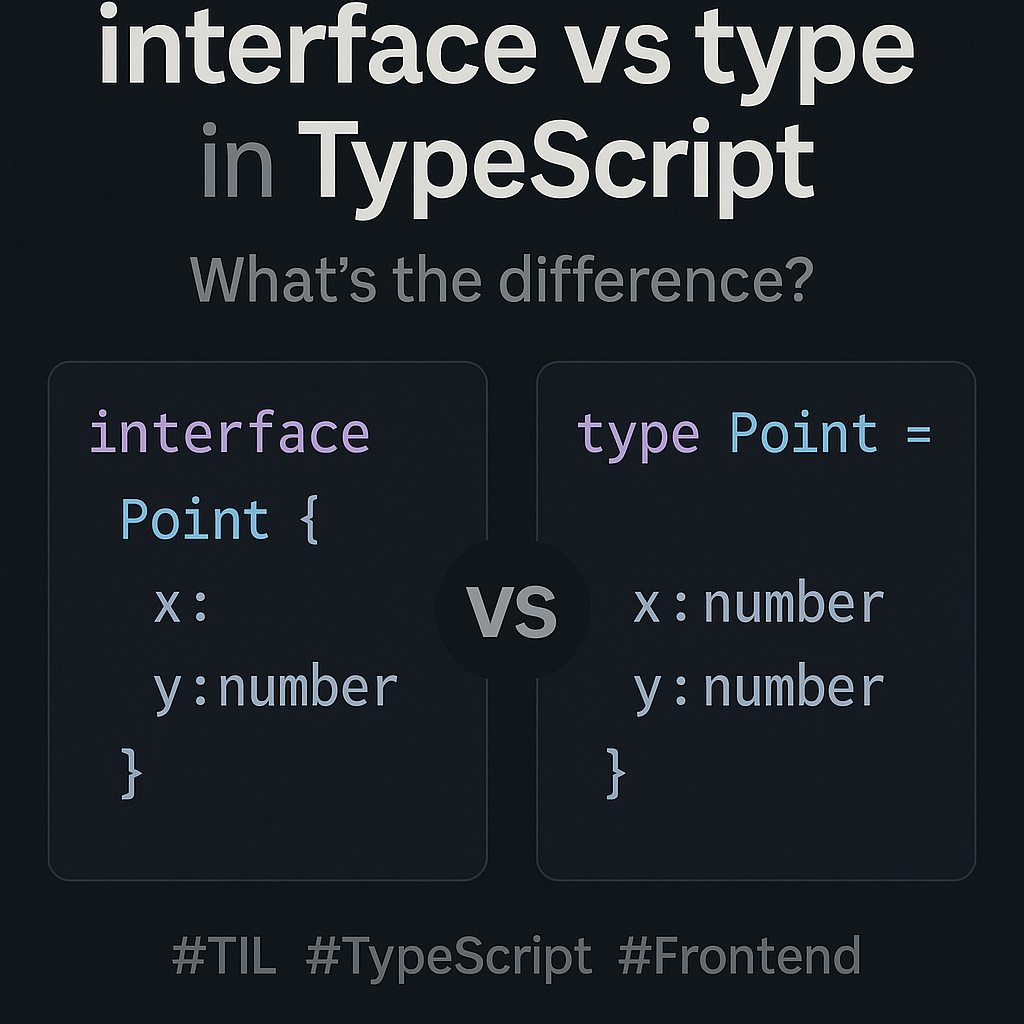
interface와 type의 차이점과 올바른 사용법
interface와 type은 모두 객체의 타입을 정의할 때 사용되자만,
용도와 표현력에서 약간의 차이가 있어 상황에 따라 선택적으로 사용하는 것이 좋습니다.
1️⃣ 핵심 비교 요약
| 항목 | interface | type |
|---|---|---|
| 목적 | 구조적인 객체 타입 선언 | 다양한 형태의 타입 정의 |
| 확장성 | extends로 상속 가능 (객체 중심) | & 연산자로 확장 (모든 타입에 사용 가능) |
| 선언 병합 | O (자동 병합됨) | X (불가, 재정의 시 에러) |
| 표현력 | 객체 중심 | 유니언, 튜플, 조건부 타입 등 표현력 풍부 |
| 사용 추천 | 객체, 클래스 중심 구조 | 복합적, 유연한 타입 표현 시 |
2️⃣ 실전 예시 - 사용자 정보를 정의해보기
🔹 interface 사용
interface User {
	id: number;
	name: string;
	isActive: boolean;
}
🔹 type 사용
type User = {
	id: number;
	name: string;
	isActive: boolean;
}
👉 동일한 결과를 내지만, 아래와 같은 상황에서 차이가 납니다.
3️⃣ 차이점 상세 정리
🔹 확장 방식: extends vs &
// interface
interface Person {
	name: string;
}
interface Employee extends Person {
	employeeId: number;
}

// type
type Person2 = { name: string; }
type Employee2 = Person2 & { employeeId: number };
✔️ 둘 다 확장 가능하지만, interface는 객체 중심 계층화, type은 범용 조합에 적합합니다.
🔹 선언 병합 (interface만 가능)
interface Box {
	size: number;
}
interface Box {
	color: string;
}

// 최종 결과
// interface Box {
//   size: number;
//   color: string;
// }
⚠️ type은 이름 중복 시 에러 발생 → 병합 불가
type Box = { size: number };
// ❌ Error: Duplicate identifier 'Box'
type Box = { color: string };
🔹 유니언/교차 타입 표현 (type만 가능)
type Status = 'loading' | 'success' | 'error';

type Response =
	| { status: 'loading' }
	| { status: 'success'; data: string; }
	| { status: 'error'; error: Error; };
✔️ type은 다양한 구조와 조합이 필요한 복잡한 상황에 더 적합합니다.
✔️ interface는 이런 유니언 타입을 표현할 수 없습니다.
4️⃣ 언제 어떤 걸 쓸까?
🔹 핵심 비교 요약
| 상황 | 추천 | 이유 |
|---|---|---|
| React 컴포넌트 Props | ✅ interface | 확장성 좋고, 선언 병합가능 |
| 다양한 타입 조합 (유니언, 튜플 등) | ✅ type | 복잡한 타입 표현에 더 유연하고, 유니언 & 튜플 지원 |
| 객체 형태 정의 및 확장 | ✅ interface | extends 키워드로 자연스러운 상속과 선언 병한 지원 |
| 기본 타입 별칭 정의 | ✅ type | 원시 타입, 유니언, 튜플, 조건부 타입 등 다양하게 정의 가능 |
| 선언 병합 필요할 때 | ✅ interface | 동일 이름의 인터페이스를 합쳐서 확장 가능 |
| 타입 조작 필요할 때 (맵드 타입 등) | ✅ type | 조건부 타입, 유틸리티 타입, 맵드 타입 작성에 유리 |
| 기존 JS 코드와 호환성 고려 | ✅ interface | JS 객체 형태를 정의하는데 직관적이고, IDE 지원도 좋음 |
🔹 상세 설명 및 예제
🧐 React 컴포넌트 Props 정의 (interface 추천)
interface ButtonProps {
  label: string;
  onClick: () => void;
}

const Button: React.FC<ButtonProps> = ({ label, onClick }) => (
  <button onClick={onClick}>{label}</button>
);
✔️ 선언 병합 가능해서 Props를 확장하기 편합니다.
🧐 다양한 타입 조합 (type 추천)
type Status = "loading" | "success" | "error";

type ResponseData = [number, string];

type Result = {
  status: Status;
  data: ResponseData;
};
✔️ 유니언 타입이나 튜플을 표현하기 편합니다.
🧐 interface 확장과 선언 병합
interface User {
  id: number;
  name: string;
}

interface User {
  email: string;  // 선언 병합으로 자동 추가됨
}

interface Admin extends User {
  role: string;
}

const admin: Admin = {
  id: 1,
  name: "Alice",
  email: "alice@example.com",
  role: "admin",
};
✔️ 선언 병합과 extends로 객체 확장이 자연스럽습니다.
🧐 복잡한 타입 조작 (type 추천)
type Nullable<T> = T | null;

type User = {
  id: number;
  name: string;
};

type NullableUser = Nullable<User>;  // User | null

type Keys = keyof User;  // "id" | "name"
✔️ 제네릭과 조건부 타입, 맵드 타입 등 타입 조작에 용이합니다.